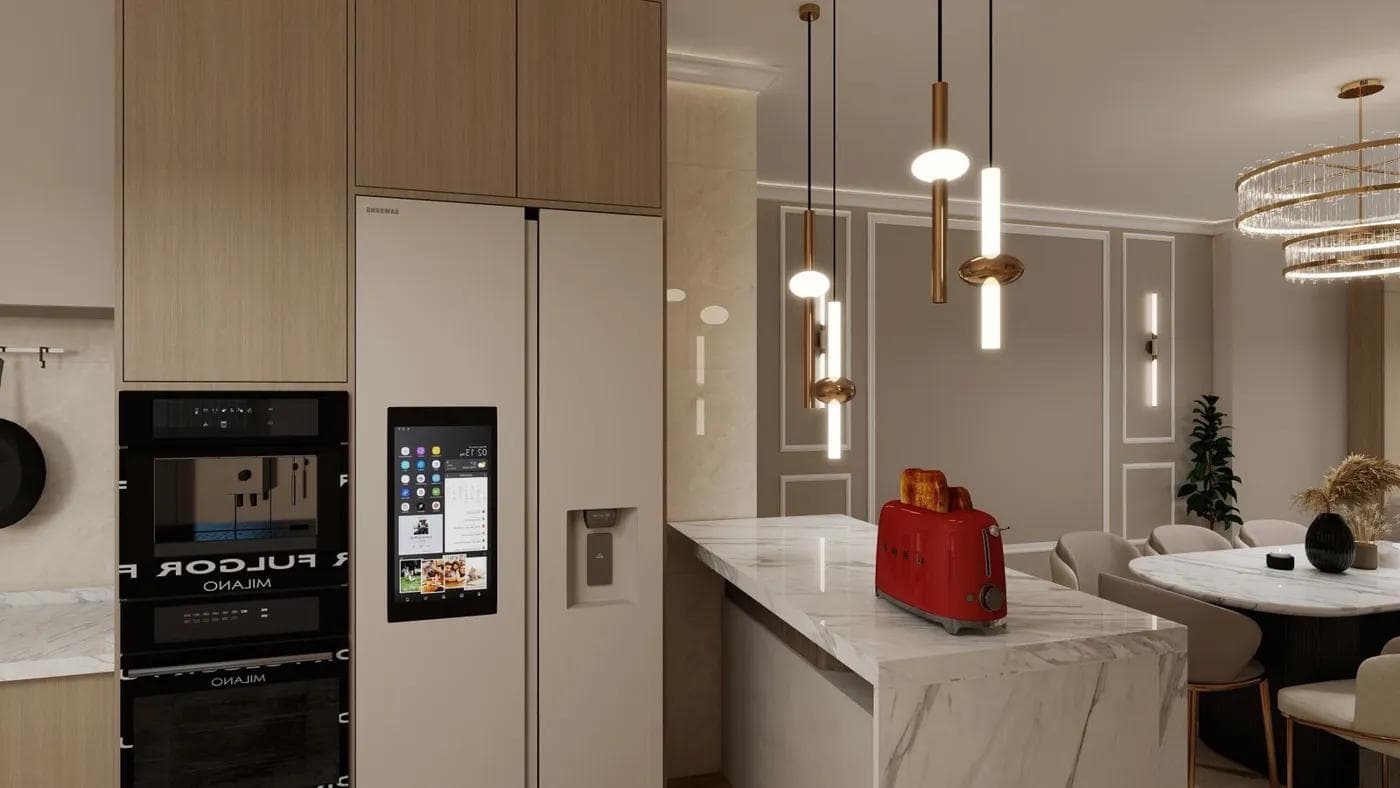
A Samsung Family Hub refrigerator is two machines in one cabinet: a conventional refrigerator and a connected tablet built into the door. When something goes wrong, the first job is working out which of the two has the problem, because a frozen screen and a warm fresh-food compartment have completely different causes, fixes, and costs.
This guide covers the Family Hub refrigerator problems we see most often in Murrieta homes, the checks you can safely do yourself, and how our technician Ryan Weber separates screen, network, and refrigeration faults. Before any hands-on check beyond the screen itself, unplug the refrigerator or switch it off at the breaker.
What makes Family Hub different from standard refrigerators
At its core, a Family Hub is a Samsung French door or four-door refrigerator with the same kind of refrigeration hardware as Samsung's other models: a compressor, evaporators, fans, defrost system, water valve, and ice maker, all managed by a main control board. What sets it apart is the large touchscreen in the right-hand door, which runs its own software and connects to your home Wi-Fi.
That screen is effectively a separate computer. It handles apps, calendars, notes, music, the inside cameras on models that have them, and the SmartThings connection to your phone. It receives software updates over Wi-Fi, just like a phone or tablet. Like any computer, it can freeze, slow down, lose its network connection, or misbehave after an update.
The important design point for troubleshooting is that the display and the refrigeration controls are separate systems. Samsung gives the screen its own power switch, located inside the top of the right-hand door, so it can be restarted without touching the cooling system. A dead or frozen screen does not, by itself, mean the refrigerator has stopped keeping food cold, and a refrigeration fault will not necessarily show up on the screen.
This split also shapes repair costs. Family Hub models carry several components that standard refrigerators do not have, including the display assembly, its wiring through the door hinge, and the Wi-Fi hardware. Some of these are proprietary Samsung parts that can take 3 to 5 business days to arrive, compared with 24 to 72 hours for most standard Samsung components. Knowing early whether a problem lives in the screen or in the refrigeration side saves time on both diagnosis and parts.
Touchscreen responsiveness and WiFi connectivity issues
The most common Family Hub complaint is a touchscreen that freezes, responds slowly, goes blank, or ignores touches in one area. Before assuming a fault, check the simple things. Samsung's own troubleshooting notes that the panel goes blank when inactive and wakes when touched or when the door is opened, and that Sabbath mode on some models changes how the screen behaves. Clean the screen with a soft, dry or slightly damp microfibre cloth, because grease and moisture can interfere with touch response.
If the screen is genuinely frozen, restart it with the display switch. Open the right-hand door, find the switch cover at the top of the door, slide the cover up, turn the switch off, wait a few seconds, and turn it back on. Then refit the cover until it clicks. This is the same reset Samsung describes in its refrigerator reset guide, and it only restarts the screen.
If restarts fix the screen but it keeps freezing, the cause is usually software. Check for a pending software update in the Family Hub settings, and remove apps or widgets you do not use. A factory data reset, found under Settings, About Family Hub, is a last resort: it wipes your accounts, notes, and settings from the screen, so treat it the way you would wiping a phone.
Wi-Fi problems tend to show up as apps that will not load, a SmartThings connection that drops, or a fridge that reports it is offline. Start with the basics: confirm the Wi-Fi password, restart your router, and restart the Family Hub with the display switch. If the problem started after a Family Hub software update, Samsung's Wi-Fi troubleshooting guide recommends updating the router's firmware first, then resetting network settings on the fridge under Settings, About Family Hub, and finally setting a static IP address on the Family Hub if it still will not stay connected.
When the screen stays black after a restart, shows lines or dead areas, or does not respond to touch at all, the fault may be in the display assembly, its wiring, or its control electronics. If the issue began after the doors were removed and refitted, for example to fit the fridge through a doorway, a wiring harness connection at the hinge is a likely suspect. Those are technician jobs, not homeowner repairs.
Standard refrigeration problems vs smart feature problems
Most Family Hub service calls we attend turn out to be ordinary refrigeration problems that happen to occur in a smart fridge. The screen is the most visible part of the appliance, so it attracts the blame, but the faults that cost you food are the same ones found on any Samsung refrigerator.
Smart feature problems include a frozen or blank screen, apps or cameras that do not work, Wi-Fi drops, SmartThings sync failures, and odd behaviour after a software update. These are annoying but do not threaten your food, and many are solved by a restart, a software update, or a network fix.
Refrigeration problems include a fresh-food or freezer compartment that is warmer than it should be, frost build-up on the back wall of the freezer, water pooling under the crisper drawers, an ice maker that stops producing, fans that grind or squeal, and a compressor that runs constantly. In Murrieta, two local factors show up again and again. Hard water at 140 to 180 ppm scales up water valves and ice maker lines, and summer heat plus fine dust coats condenser coils, making the compressor work harder. These are covered in detail on our refrigerator repair page.
A simple rule helps: if the food is cold and the ice is coming out, you have a screen or network problem that can wait for a convenient appointment. If the fridge is warming, treat it as a refrigeration fault and book promptly, regardless of what the screen is doing.
When connectivity issues trace to household WiFi vs appliance
Before booking a repair for a Wi-Fi problem, it is worth checking whether the fault is in the fridge or in the network. In our experience, the house network is the more common culprit.
Signs that point to your Wi-Fi rather than the refrigerator:
- Other devices in or near the kitchen also drop out or are slow.
- The problem started when you changed your router, internet provider, mesh system, or Wi-Fi password.
- The fridge connects when your phone is used as a hotspot next to it, but not on your home network.
- The signal indicator on the Family Hub is weak. A refrigerator is a large metal box, often installed in a cabinet surround, which reduces signal.
Practical fixes include moving the router or adding a mesh node or extender closer to the kitchen, checking that your router band and security settings match what your Family Hub model supports according to its manual, and following Samsung's router firmware and static IP steps above.
Signs that point to the appliance: the Family Hub cannot see any networks at all, including a phone hotspot held next to it; the Wi-Fi settings are missing or greyed out; or connectivity fails alongside other screen faults. Those suggest a problem with the Wi-Fi hardware or the display's control electronics, which is where a technician's diagnostic is worthwhile.
Diagnostic approach for Family Hub-specific faults
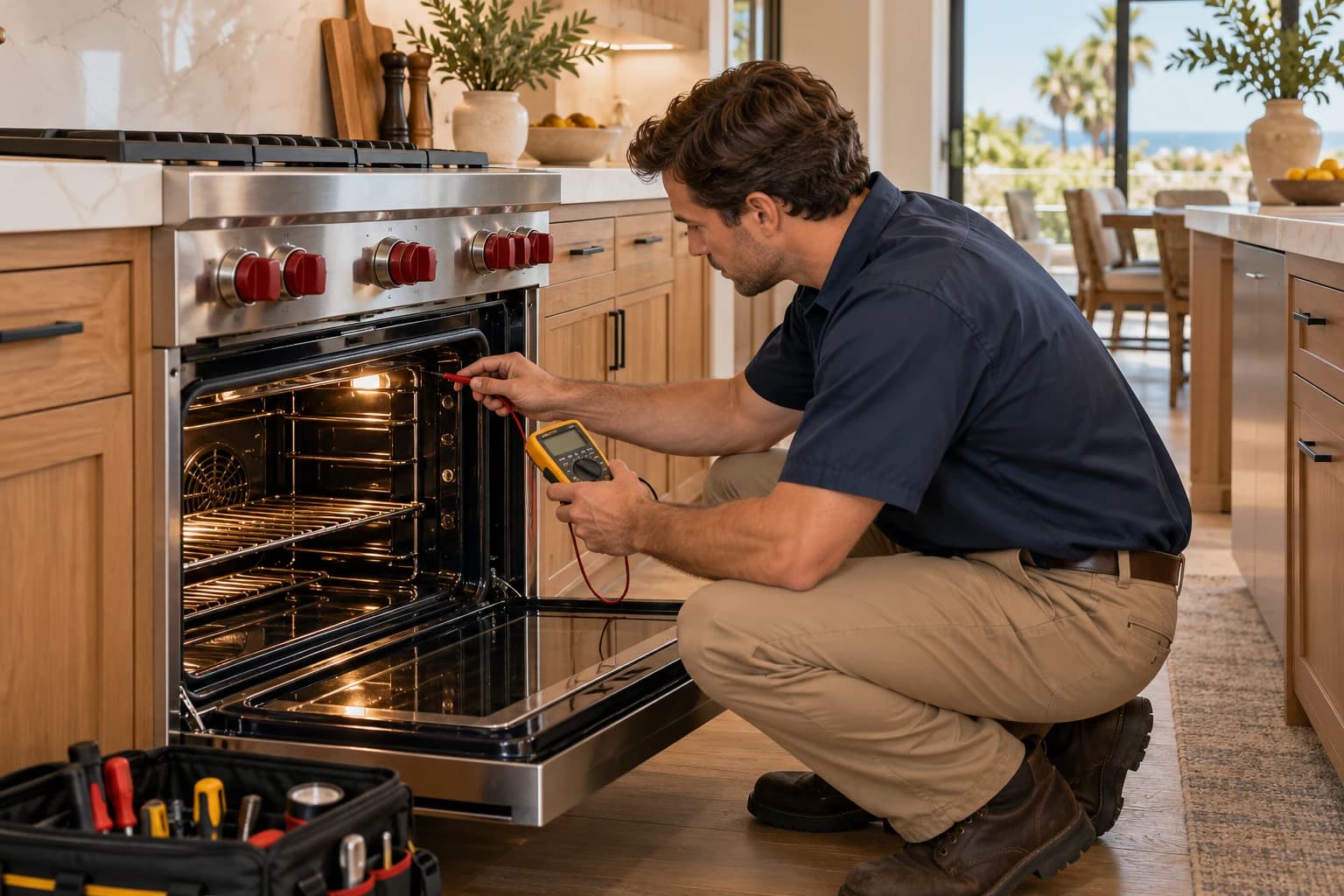
When Ryan arrives for a Family Hub call, the first step is to establish which system is at fault. He checks compartment temperatures, fan operation, the evaporator for frost, and the condenser, so a refrigeration problem is not missed because the screen was the reported symptom.
Next comes the fault history. Samsung refrigerators store error codes that point to specific sensors, fans, and defrost components, and reading them correctly requires Samsung's diagnostic tools, which we maintain. This is why Samsung advises against resetting a refrigerator unless a troubleshooting step calls for it: a full power reset can clear the stored codes that would otherwise shorten the diagnosis. If your fridge is warming, leave it running and call us rather than cycling the power repeatedly.
For screen and connectivity faults, the diagnostic checks the display power switch circuit, the hinge wiring between cabinet and door, the display's response after a restart, its software version, and whether it can see and hold a network connection. Testing with a hotspot next to the fridge separates network trouble from hardware trouble in a few minutes.
You get a flat-rate quote before any work begins. The diagnostic is $89 and is waived if you go ahead with the repair. Standard Samsung component repairs such as valves, sensors, and fans typically run $180 to $400, while control boards and ice maker repairs that involve several components run $350 to $700. Every repair carries our 90-day parts and labour warranty. For context, a replacement Family Hub refrigerator runs $2,500 to $4,500, so repair usually makes sense for a single failed component. More detail on Samsung service is on our Samsung appliance repair page.
To book, call (951) 592-3670 or use our contact page. Calls received before 11 am usually get same-day service across Murrieta, French Valley, and Winchester. Have the model number from the label inside the fresh-food compartment ready when you call.