A power outage in Murrieta never feels convenient. One minute your home or business runs smoothly. The next minute the lights cut out, appliances stop mid-cycle, and you are left wondering what will actually work when the power comes back. If you flip everything on without a plan, you can stress your electrical system, confuse smart controls, or even damage appliances.
This guide walks you through clear, step-by-step resets for your refrigerator, freezer, HVAC system, washer, dryer, dishwasher, oven, and smart devices after a power outage. You will also see the warning signs that mean you should stop and call a professional for home appliance repair or HVAC repair instead of forcing another reset.
Why Power Outages In Murrieta Are Hard On Modern Appliances
You deal with more than an on-off switch. Modern appliances rely on electronic control boards, sensors, and smart features that do not always handle outages and surges well. A sudden loss of power, a brownout, or a surge when power returns can freeze those controls or trip internal protection. Guidance from California emergency agencies highlights how outages and surges can damage home equipment and increase food and safety risks.
Murrieta residents also see:
- Planned maintenance outages from utilities in Southern California.
- Heat-driven demand that increases outage risk in summer.
- Power restoration that may arrive with short surges that hit sensitive boards.
Because of this, you need a reset process that protects both your appliances and your building instead of testing everything at once.
Safety Checklist Before You Reset Anything
Before you touch an appliance or a breaker, you should confirm that the space is safe. State and utility guidance gives a few basic steps you can follow each time.
Use this simple safety list:
- Look for hazards
Check for standing water around outlets, power strips, or appliances. Do a quick scan for sparks, smoke, or a burning smell near the panel or any major appliance. If you see visible damage or smell burning, stop and call a licensed professional. - Protect sensitive devices
If the power is still out or is flickering, unplug sensitive electronics like TVs, computers, and high-end smart appliances. This helps protect them from surges when power returns. - Inspect your breaker panel
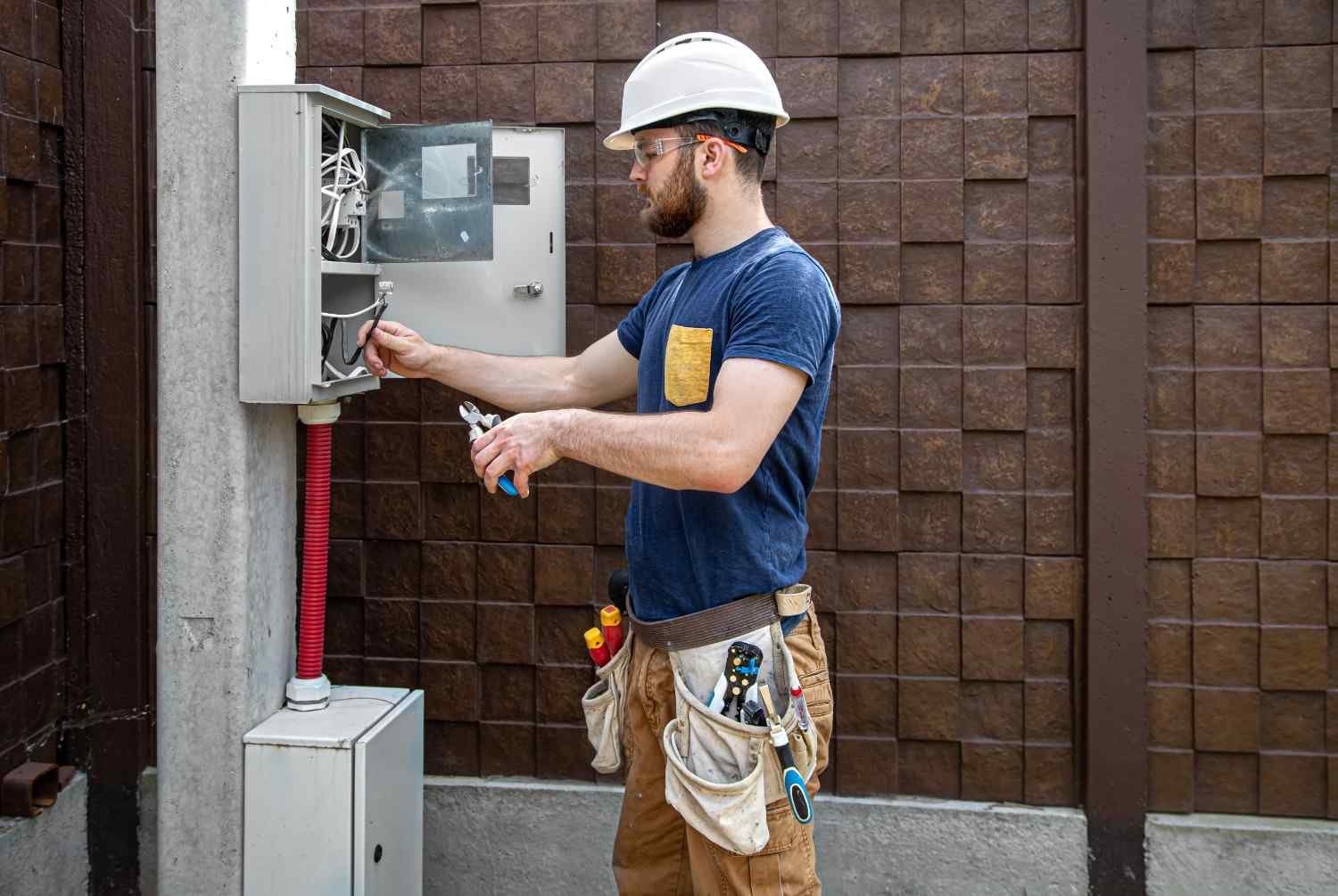
Once power stabilizes, open your panel and look for any tripped breakers. A tripped breaker will often sit in a middle position. Reset it by switching fully off first, then firmly back on. Take care to stand on a dry surface and use one hand if possible.
This simple sequence keeps you from turning on an appliance that sits on a damaged circuit.
The Right Order To Bring Appliances Back Online
You might feel tempted to turn everything on as soon as the lights come back. That can overload circuits and make it harder to see which appliance has a problem. Safety and utility guides suggest a phased restart instead.
You can use this order in your home or commercial building:
- Turn on essential lights and test a few outlets.
- Reset and test your refrigerator and freezer.
- Reset your HVAC system and thermostat.
- Bring back washers, dryers, and dishwashers.
- Restore ovens, cooktops, and microwaves.
- Reconnect smart appliances and Wi‑Fi devices.
This order protects food first, keeps your space comfortable, and makes it easier to isolate any appliance that fails to restart.
How To Reset Your Refrigerator And Freezer
Your refrigerator and freezer protect your food and your wallet. After an outage, they might show a blank display, incorrect temperature, or no cooling even though the light turns on. Many appliance guides suggest a simple power-cycle reset as the first step.
Follow this refrigerator and freezer reset process:
- Step 1: Confirm power
Check that the outlet works by plugging in a small lamp or another device. Also confirm that the kitchen or appliance breaker is on in the panel. - Step 2: Power cycle the unit
Unplug the refrigerator or switch off the dedicated breaker for about 5 to 10 minutes. This lets the control board discharge and clear temporary faults. - Step 3: Plug back in
Plug the unit back in firmly or switch the breaker on. Listen for the compressor to start after a short delay. Many fridges take a few minutes before the compressor engages. - Step 4: Check temperature and display
Confirm that the temperature settings did not reset to warmer levels. Watch for any error codes or blinking lights that stay on after power returns. - Step 5: Monitor cooling
Give the fridge several hours to reach the right temperature again. You can use an appliance thermometer to track progress and make sure cooling returns to normal.
If the refrigerator does not start cooling, the compressor only clicks, or new error codes appear, stop trying to reset it. The outage may have damaged the control board, starter, or compressor. At this point, a professional home appliance repair visit from a local company like Appliance Repair Murrieta is the safest next step.
For long outages, you should also follow food safety rules. Federal and county guidance says a refrigerator can usually keep food safe for about four hours if you keep the door closed, and a full freezer holds temperature longer, but you should throw food out if it stays above safe temperatures too long.
If you are curious how outages and local conditions affect the life of your fridge and other equipment over time, read more in how the California climate impacts your appliance lifespan.
How To Reset Your HVAC System And Thermostat
Your HVAC system is one of the most sensitive and expensive systems in your property. A rush to restart it after a power outage can strain the compressor or confuse the thermostat. HVAC experts suggest a clear sequence that protects the unit.
Use this HVAC reset method:
- Step 1: Turn the thermostat off
Set the thermostat system switch to “off” so the indoor and outdoor units are not trying to start while you work. - Step 2: Turn off the breaker
Find the HVAC or AC breaker in your panel and switch it off. Some units also have a disconnect switch near the outdoor condenser that you can switch off for extra safety. - Step 3: Wait for a short period
Leave the system off for about 5 minutes. This pause lets internal pressure equalize and can lower stress on the compressor when you restart. - Step 4: Restore power
Switch the breaker back on. Then wait another minute or two to make sure the system has full, stable power. - Step 5: Turn the thermostat back on
Set the thermostat back to “cool” or “heat” and choose a temperature that is several degrees away from the current room temperature so the system has a clear command to start. - Step 6: Listen and observe
Watch the thermostat, listen for startup from the indoor and outdoor units, and check that air flows from vents within a few minutes.
If the system does not start, the breaker trips again, or you hear humming without the fan or compressor starting, the outage may have affected a capacitor, relay, control board, or motor. That is the point where you should stop and schedule HVAC repair instead of trying multiple resets.
Because Murrieta heat can be intense, your HVAC efficiency and sizing also matter. For a deeper look at equipment choices in local conditions, see choosing the right HVAC system for Murrieta’s microclimate.
Resetting Washers, Dryers, And Dishwashers
Laundry and dish appliances often sit mid-cycle during an outage. When power returns, the board may freeze, the door may stay locked, or the unit may show a strange error. Many modern machines include a reset or cancel function, but a full power reset is often the easiest starting point.
You can follow this approach:
- Cancel any active cycle using the control panel.
- Unplug the appliance or switch the breaker off for several minutes.
- Plug it back in or turn the breaker on.
- Check the display for control lock, child lock, or error codes.
- Run a short rinse or test cycle with no load to confirm normal behavior.
If the drum will not spin, the washer will not drain, the dryer will not heat, or a dishwasher will not run even after this reset, the outage may have stressed a pump, motor, or board. Repeated attempts to “force” a cycle can make the damage worse. At that point, a professional diagnosis is more cost-effective.
Resetting Ovens, Cooktops, And Microwaves
After an outage, ovens and cooktops often show flashing clocks or need their timers and settings restored. In some cases, they do not heat even though the display works. The first thing you should check is the breaker or GFCI that feeds the appliance.
For these appliances:
- Confirm the breaker is on and has not tripped.
- Reset any GFCI outlets that feed a microwave.
- Set the clock again and clear any visible error codes.
- Test a burner, bake function, or microwave heat with a short run.
If the unit smells like gas, fails to ignite, or trips the breaker repeatedly, you should stop and call a professional. Gas appliances bring extra safety concerns that go beyond a simple reset.
Smart Appliances, Wi‑Fi Devices, And Surge Protection
Smart appliances add another layer to the reset process. A power outage can leave a smart fridge, Wi‑Fi washer, or connected thermostat in a state where the hardware works but the software or network connection fails. Some devices also protect themselves by going into error mode after a surge.
For smart devices:
- Restart your modem and router once the power stabilizes.
- Power-cycle the smart appliance by unplugging it and plugging it back in after a short wait.
- Open the app and check if the device still appears online.
- Reconnect Wi‑Fi or Bluetooth if needed.
You should also think about surge protection. Whole-home surge protection devices can help protect appliances and electronics from voltage spikes during storms or grid events, which remain a concern in 2026. They connect at your electrical panel and work alongside point-of-use surge strips for sensitive electronics.
Special Reset Strategy For Commercial Properties
If you manage a restaurant, office, rental property, or shared laundry facility in Murrieta, you face more than personal inconvenience. You must protect inventory, tenant comfort, and equipment life.
A smart commercial restart plan looks like this:
- Confirm the building is safe and the main service is stable.
- Prioritize walk-in coolers, line fridges, and ice machines. Verify temperatures with thermometers and log any losses.
- Reset and test HVAC systems next to restore comfort and protect sensitive equipment.
- Bring laundry, dish, and secondary appliances back online once refrigeration and HVAC are stable.
- Document any units that trip breakers, show faults, or fail to restart and call for appliance repair quickly to minimize downtime.
This structured approach helps you avoid panicked restarts that can shorten equipment life or create repeated faults.
Warning Signs A Simple Reset Is Not Enough
Sometimes a reset works. Sometimes it only masks a deeper problem. You should stop and call a professional if you see any of these signs after an outage:
- The appliance stays completely dead even though the outlet and breaker are good.
- The breaker trips again as soon as you turn the appliance on.
- The refrigerator compressor clicks repeatedly but never runs.
- The HVAC system hums or tries to start but shuts down quickly.
- You hear new grinding, buzzing, or rattling noises.
- You smell burning, melting plastic, or see scorch marks.
These signs often point to surge damage, failed capacitors, relay issues, or damaged boards. Repeated resets will not fix those problems and may increase the repair cost.
If you want to get ahead of these failures, check out top 10 signs your appliances are about to break down.
Preparing Your Appliances For The Next Outage
You cannot control every outage, but you can make your home or building more ready. Utility and safety resources suggest some simple steps that help appliances recover better and last longer.
Practical ideas:
- Add whole-home surge protection and use surge strips on sensitive electronics.
- Label breakers for key appliances so you can reset them quickly.
- Keep appliance thermometers in your refrigerator and freezer.
- Replace HVAC filters on schedule and keep outdoor units clear of debris.
- Write down your reset steps and share them with family or staff.
In Murrieta, heat and high run times are already hard on appliances and HVAC systems. Good habits reduce waste and protect your investment. For energy savings beyond outage recovery, see eco-friendly appliances saving water and energy in California and top 5 energy-wasting habits in Murrieta homes.
If you follow these reset steps and an appliance still will not behave, you gain something important. You already ruled out simple fixes, so a professional technician will reach the root cause faster. A local company like Appliance Repair Murrieta can handle both home appliance repair and HVAC repair, test for hidden surge damage, and help you decide whether repair or replacement makes more sense before the next outage.